Did it help? How ClassMap helps teachers close the loop
You spoke with a student after class.
You changed where they sit.
You gave them a small classroom role because they seemed disconnected.
You called home after repeated missing homework.
You adapted the next activity because you felt they needed a different approach.
Teachers do small interventions like this all the time. Many of them matter. But after a busy week, it can be hard to remember exactly what you tried, when you tried it and whether it actually helped. That is the idea behind interventions. ClassMap helps you record what you tried for a student, reminds you to check back later and helps you reflect on whether it made a difference. Not as another admin form. Not as a formal referral system. Just as a private professional log of the support actions you already take.
A simple example
Imagine this.
On Monday, ClassMap shows that Alex has been participating less than usual. You already felt something had changed, but now the pattern is easier to see.
During the lesson, you move Alex closer to the front and give him a clearer role during pair work. You log this as a teaching method change and add one short note:
Pair work and front row support.
Two weeks later, ClassMap reminds you to review it. You look at Alex's timeline. His engagement has improved compared with the previous period. You also remember that he started tasks more confidently.
You mark the intervention as Worked and add:
More confident starting tasks after the change.
That small action is no longer lost in the week. It becomes part of your professional memory.
You already intervene. ClassMap helps you remember it.
In ClassMap, an intervention simply means:
Something you deliberately tried to support a student.
It could be a short 1-on-1 conversation. It could be a parent discussion. It could be a teaching method change. It could be giving the student a meaningful responsibility in class.
The important part is not the label. The important part is the loop:
- You notice something.
- You try something.
- ClassMap reminds you to come back.
- You decide whether it helped.
That last step is often the one that gets lost in a normal school week. ClassMap helps you close the loop.
What can you log as an intervention?
ClassMap keeps the choices simple. You can log one of six types of support:
- 1-on-1 discussion — "I spoke with Alex after class about why he stopped joining group work."
- Parent discussion — "I called home after repeated missing homework."
- Pastoral lead discussion — "I shared the concern with the wellbeing or pastoral lead."
- Teaching method change — "I gave Ana written steps before the independent task."
- Empowerment role — "I asked David to lead the materials routine."
- Other — Anything that does not fit the other categories.
How it works
When you log an intervention, you add a short note about what happened. You can also backdate it if the action happened yesterday or earlier in the week.
ClassMap then sets a follow-up date. For most interventions, that is around three weeks later. For a 1-on-1 discussion, around two weeks. You can adjust the date if you want.
When the time comes, ClassMap brings the intervention back as something worth reviewing. You choose one of three outcomes:
- Worked
- Partial
- Did not work
You can add a short note. That is it. No long form. No complicated workflow. Just enough structure to help you remember and reflect.
From alert to action
ClassMap also connects interventions to the signals you already see during lessons.
A pre-session insight may show that a student has had lower participation recently. From that insight, you can log an intervention directly. ClassMap can suggest the type and prefill the note, so you do not have to retype the context.
The flow becomes:
I noticed this. I tried this. I will check back later.
This turns classroom insights into practical action.
See what changed
When you come back to review an intervention, ClassMap shows you a simple before-and-after picture of that student.
Not a report. Not a score. Just enough context to jog your memory and help you reflect.
You might see that things improved. You might already know why, because you were there. Either way, the question ClassMap is asking is the same one a good colleague would ask:
How did it go with Alex?
Your private "what works" toolkit
Over time, your interventions become more useful.
ClassMap's Toolkit is a separate view that helps you see patterns in what seems to work for you specifically. Not generic teaching tips. Your own evidence base, built from your own classroom practice.
For example, you may notice that 1-on-1 conversations often help with mood dips, or that empowerment roles help certain students participate more. The Toolkit only surfaces these patterns after you have reviewed enough interventions of the same type, so you are never drawing a conclusion from a single case.
The goal is simple:
What seems to work for you, with your students, in your context?
Quiet wins matter too
Interventions are not only about problems. Sometimes they show progress.
A quiet student participates more after a 1-on-1 chat. A student who often avoids responsibility responds well to a classroom role. A change in task structure helps a student start faster.
These are quiet wins. Teachers do this kind of support every day, but much of it remains invisible.
ClassMap helps make that effort visible to you first. Not as a public score. Not as a performance measure. As a reminder that your small actions can matter.
Private to your teaching
Interventions in ClassMap are designed as a private professional space.
You decide what to log. You decide what the outcome means. You decide what to try next. ClassMap can help you notice patterns, but it does not replace your knowledge of the student.
Why this matters
Most teachers do not need more admin. They need better memory, better follow-up and better ways to understand what is helping their students.
That is what ClassMap interventions are for. They help you keep track of the support you already give. They remind you to come back later. They help you reflect on what worked, what partly worked and what did not.
And over time, they help you build your own picture of what helps your students learn, participate and feel supported.
Because support does not end when you try something. It becomes more useful when you come back and ask:
Did it help?
Related Articles
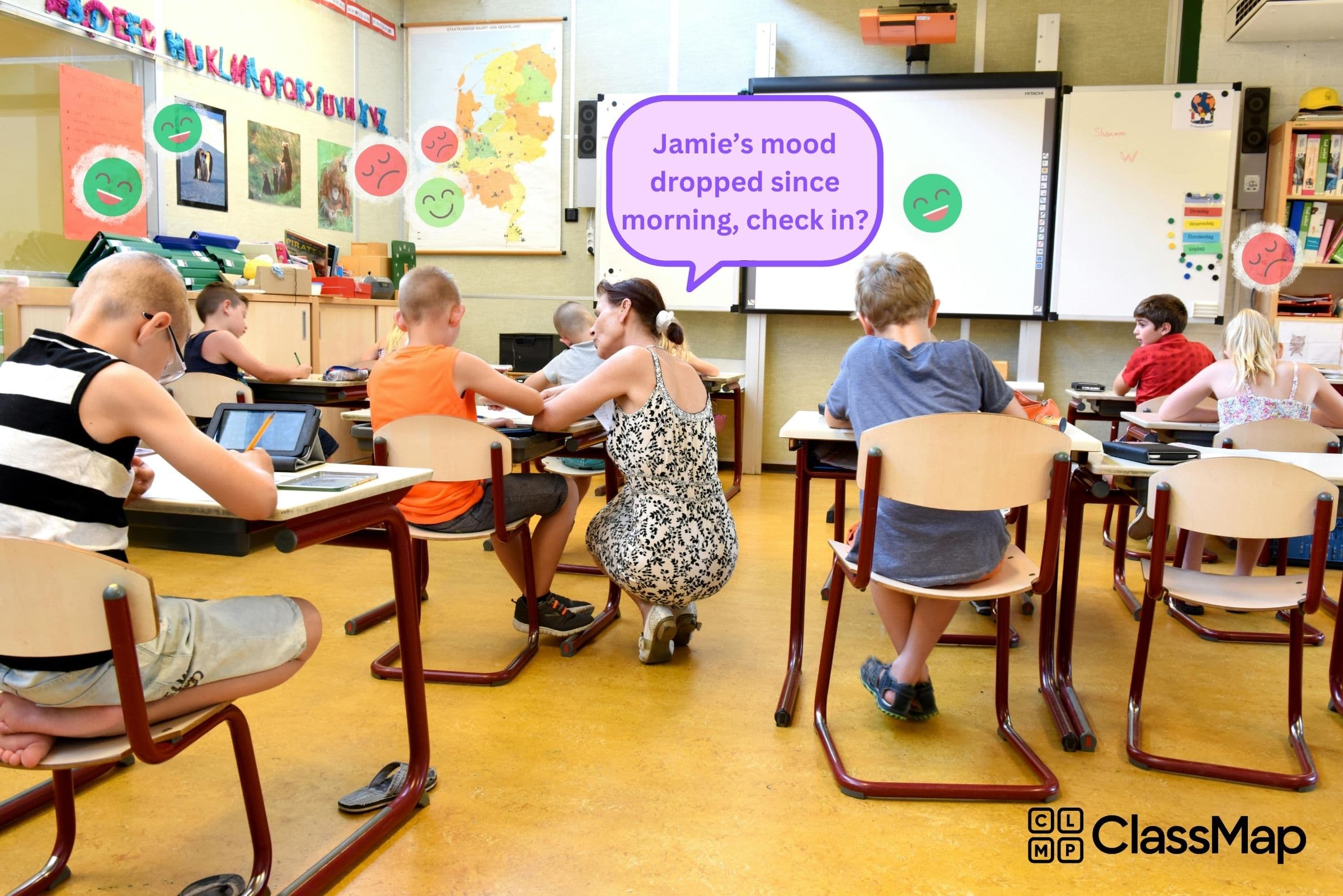
What if your classroom had a smart assistant for well-being?
Imagine an AI assistant that tracks mood, engagement and wellbeing in real time, helping teachers prevent burnout and support every student.
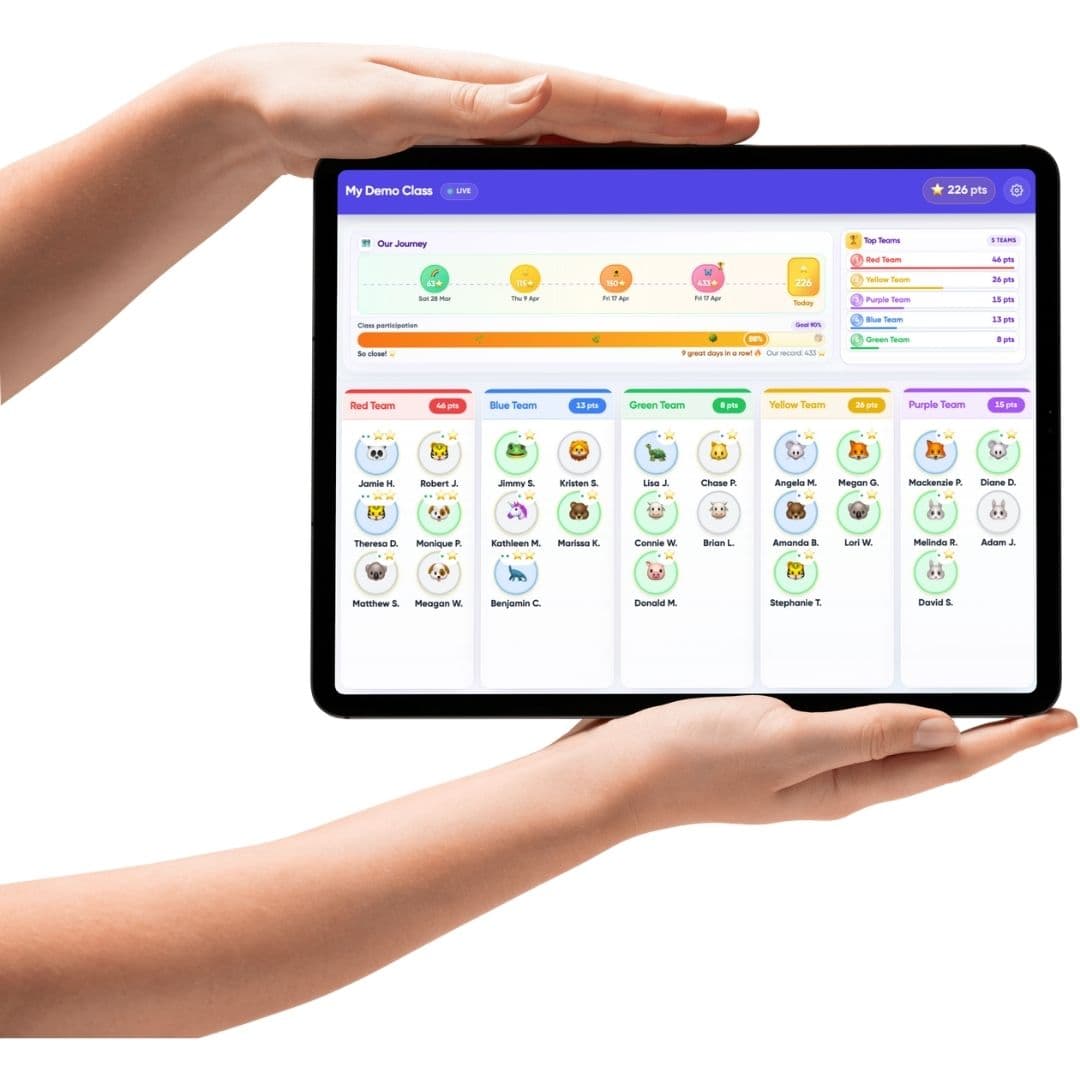
Why ClassMap.io uses gamification in the classroom?
Gamification in education gets a bad rap, and mostly for good reason. Here's the thinking behind how ClassMap.io uses game mechanics to build real engagement habits in the classroom, without leaderboards, prizes or competitive pressure.

AI in education is moving from hype to intent
AI in education is shifting from hype to purpose: schools now want tools that support pedagogy, reduce workload and improve wellbeing with trust.